ArcGIS Pro – Changing field names by the export

ArcGIS Pro export features

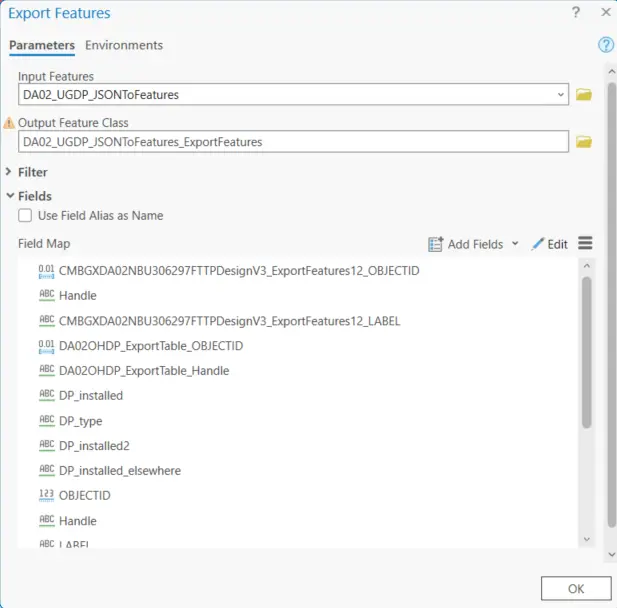
Changing the field name should be easy in ArcGIS Pro. The link and video below show how to do it quickly. I propose an alternative method for exporting your layer to answer the situation presented in the forum thread below. See all the steps below: 1. Right-click on your layer -> Data -> Export Features … Read more

Fetching ArcGIS Online layer into Power BI

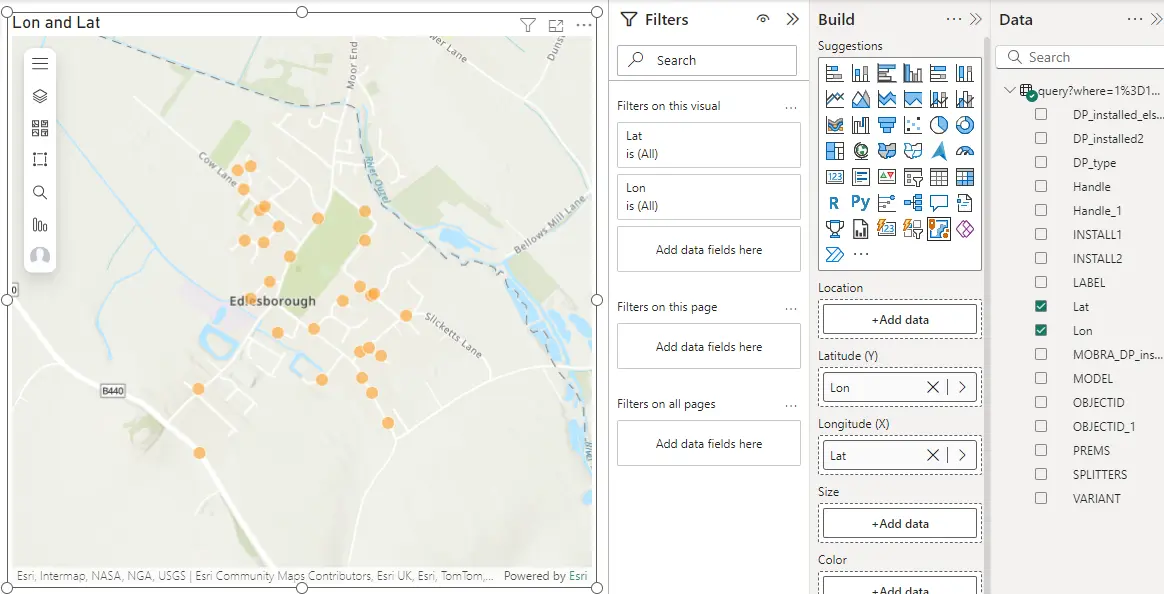
This text is somewhat the expansion of this tutorial, which explains how we can load the ArcGIS Online layer attribute table into Excel via PowerQuery. As PowerBI is considered here, these steps are the same, although there are things to look at before. 1. In the first step, we must equip our attribute table data … Read more

Transfer AutoCAD drawing to ArcGIS Online part III

Transfer layer from AutoCAD to AGOL via QGIS

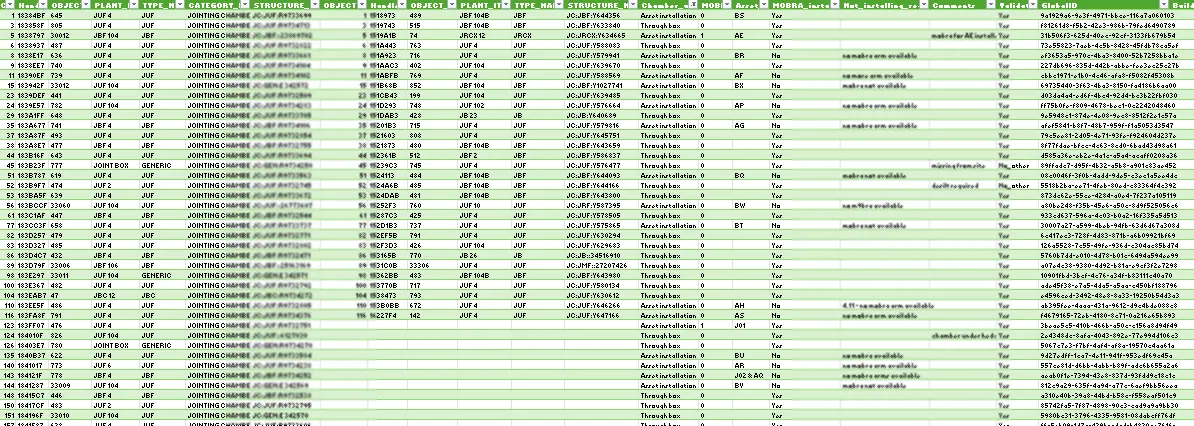
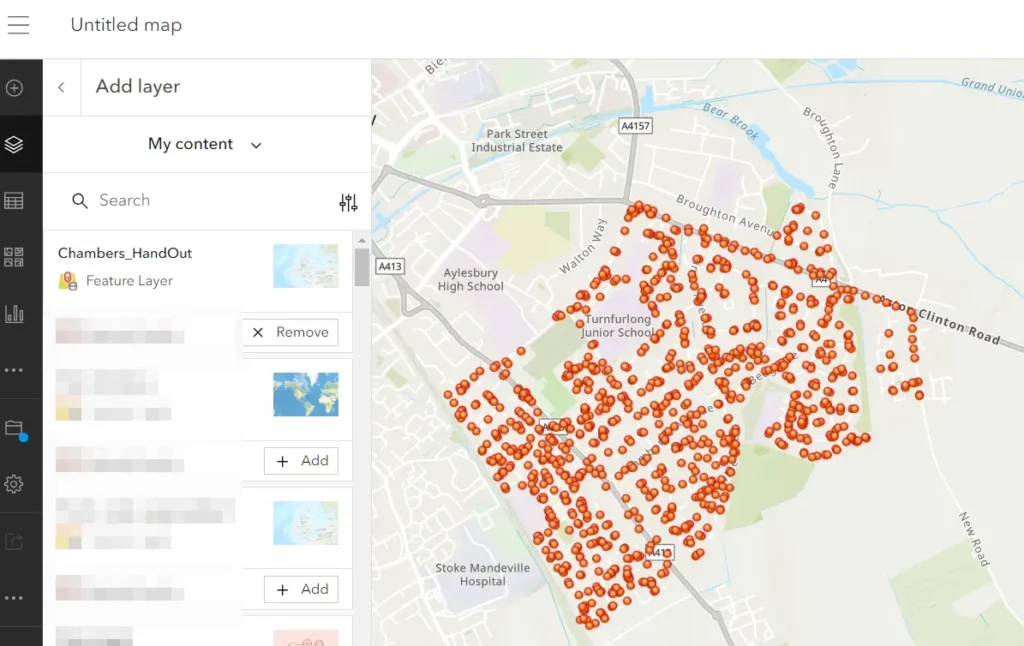
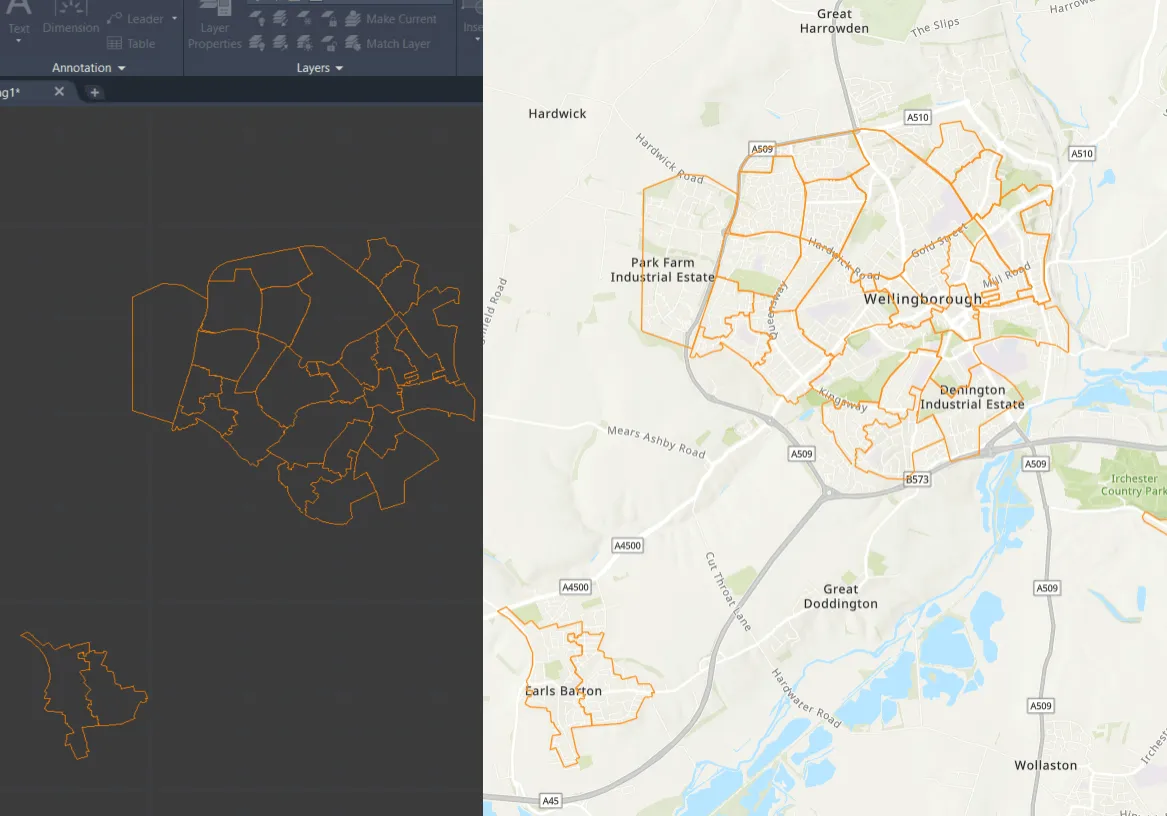
The last bit of this whole text covers the full guidance for the creation of the individual feature hosted layer, which can be used next for all available ArcGIS Online tools. In the last article, you’ve learned how to prepare your AutoCAD layer upon its further loading as the file to ArcGIS Online. In fact, … Read more

Transfer AutoCAD drawing to ArcGIS Online part II

Transfer layer from AutoCAD to AGOL via QGIS 2

The previous post explained to you the simplest way of migrating the AutoCAD drawing to ArcGIS Online. It included the important bits like the AutoCAD layer extraction as well as its further import to QGIS. In fact, this is the section, that doesn’t change, so if you are not familiar with it jump to the … Read more